Ceiling mounts for QSR menu boards
Why menu board mounting is its own problem
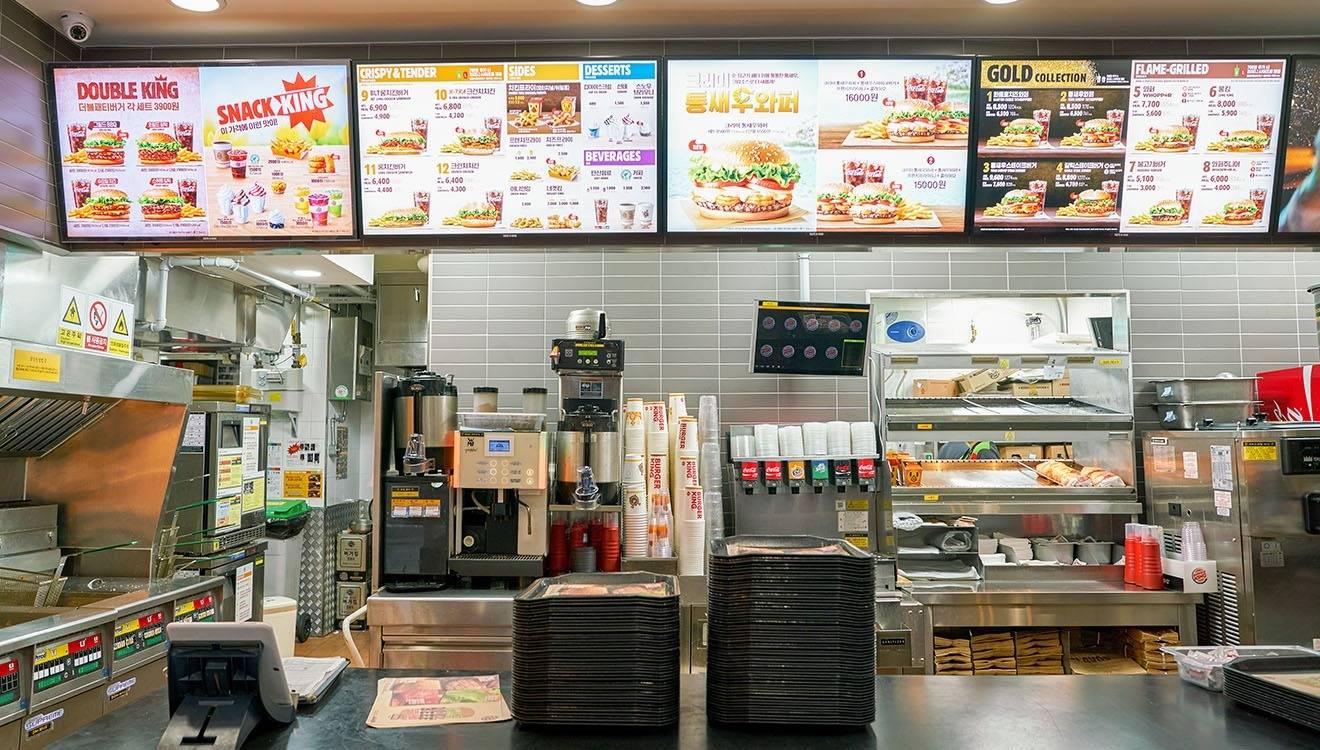
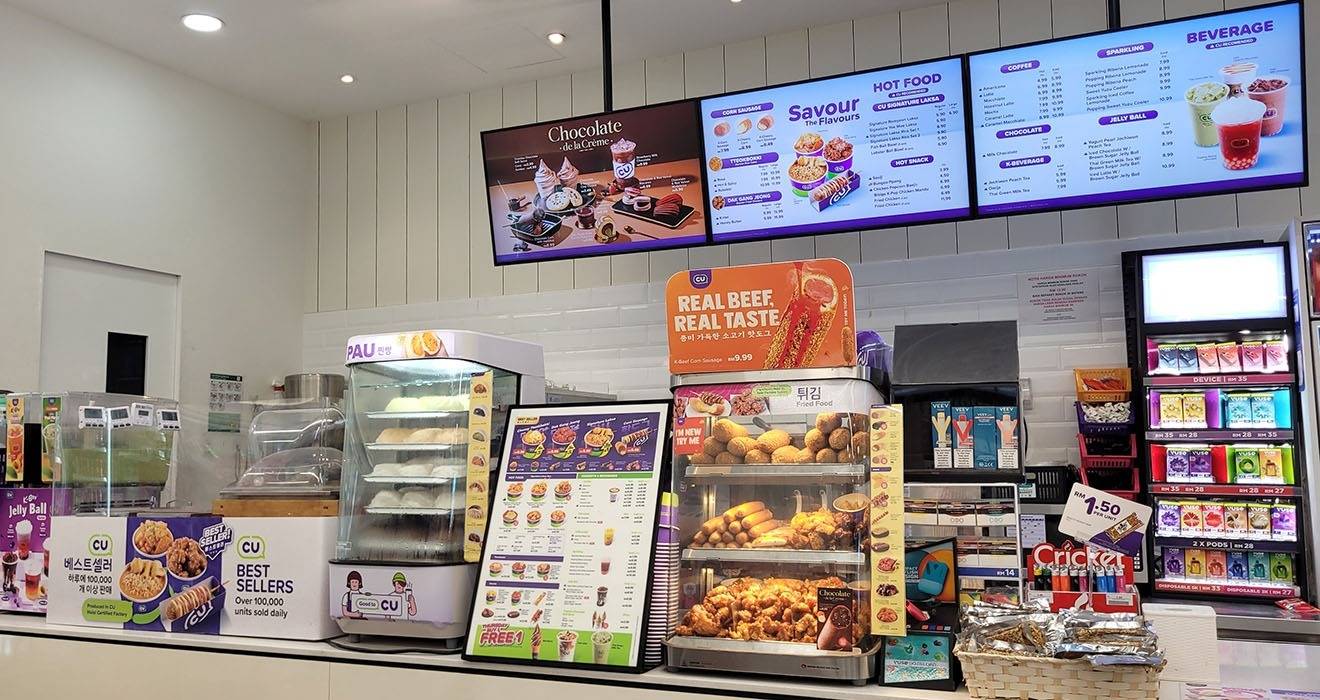
A QSR menu board is read from below, at a distance, by people who are moving and deciding at the same time. That changes what the mount has to do compared with a wall display at eye level. Screens need a downward tilt so the image does not wash out or distort for someone standing at the counter; they need to sit at a consistent height and spacing so a multi-screen board looks like a single surface rather than a set of separate televisions; and they have to hold that alignment through years of vibration, cleaning, and the occasional knock.
The demand on the ceiling also concentrates at the point of fixture/s. Atdec rates each head for the screen it holds rather than publishing a single lumped figure, so the way to specify a board is per head: match each screen to a head rated for its weight, then confirm the structure above the ceiling can support the total installed weight of the finished board. The number of poles and ceiling fixtures must also be factored into the capacity of the solution, as do the brackets, which is why many elect to consult with Atdec for custom menu board solutions.
Preconfigured menu board mounts
For the popular counter layout, a preconfigured two-screen ceiling mount removes the guesswork. Atdec's ADBS mounts are built from the ADB modular system and ship as a single specified solution.
ADBS-2X1-12TC carries two displays in a 2x1 board, each screen up to 25kg or 55lb and roughly 55-inch in portrait orientation or landscape panels to roughly 43-inch, with a tilting mechanism that angles the board toward customers lower down. Where the screens are larger or heavier, the ADBS-2X1-17T2C rates each display to 50kg or 110lb in either landscape or portrait.
Building a wider board
Menu boards are rarely a fixed size across a whole estate, and this is where the ADB modular range earns its place. ADB is fully modular: interchangeable poles, rails, and brackets build any arrangement you can specify, from a two-screen board to a three or four screen row, a taller stack, or a full video wall suspended from the ceiling, in landscape, portrait, or a mix. A board specified for one site can be reconfigured for changing requirements, and a single screen or bracket can be replaced without taking down the whole board, which matters when one panel fails mid-service and the rest of the menu has to stay up.
Preconfigured ADBS mounts use components from the modular ADB range for digital signage, so a board can start as a standard two-screen mount and extend from there when the menu or the format grows.
What to confirm before specifying
Four checks settle most QSR menu board specifications:
- Screen count, size, and weight. Match each screen to a head rated for its weight, then pick the preconfigured mount or custom ADB build that carries that number of screens. A panel up to the head's rating is fully supported.
- Viewing height and tilt. Fix the drop so the board clears staff and equipment and sits in the customer's natural sightline, and confirm the mount tilts enough to aim the screens downward.
- Ceiling structure. Identify what sits above the ceiling and whether it can support the total installed weight of the board; suspended and false ceilings need a fixing that reaches genuine structure above the tiles.
- Orientation and VESA. Confirm landscape or portrait for the board, and check each panel's VESA pattern against the mount before ordering.
Frequently Asked Questions